How to Use a CRM in a Therapy Practice

CRM means Customer Relationship Management. It is important to own and use one, since it saves you valuable administration hours. However, they’re not all created equal.
Generic CRMs are built around the sales funnel. Salesforce, HubSpot, Pipedrive all model the same workflow: lead, qualified lead, proposal, deal, closed. The unit of measurement is the deal. Once it closes, the software’s interest in the relationship ends.
A therapy practice does not fit that workflow at any point.
The first booking is the start of the work, not the close.
The actual clinical work happens in the weeks and months that follow, and it is structurally different from sales funnels.
Each therapy client has a weekly/bi-weekly session that needs to be scheduled, kept, and noted. Between sessions, you assign homework, you review submissions, you write comments back to the client, you update the formulation.
None of this exists in a sales CRM’s model, because none of it is what a sales oriented CRM was designed to do.
The automation a sales CRM ships with is actively wrong for clinical work.
Drip-email “nurture” sequences aimed at clients in distress are clinically inappropriate.
Lead-scoring algorithms ranking clients by conversion likelihood have nothing to do with whether the case is a clinical fit.
Outreach automation chasing inquirers who did not book turns the practice into a marketing pipeline.
Each feature in a generic CRM pushes the practice in a direction it should not be going.
What a CBT therapist actually needs is software that supports the clinical workflow.
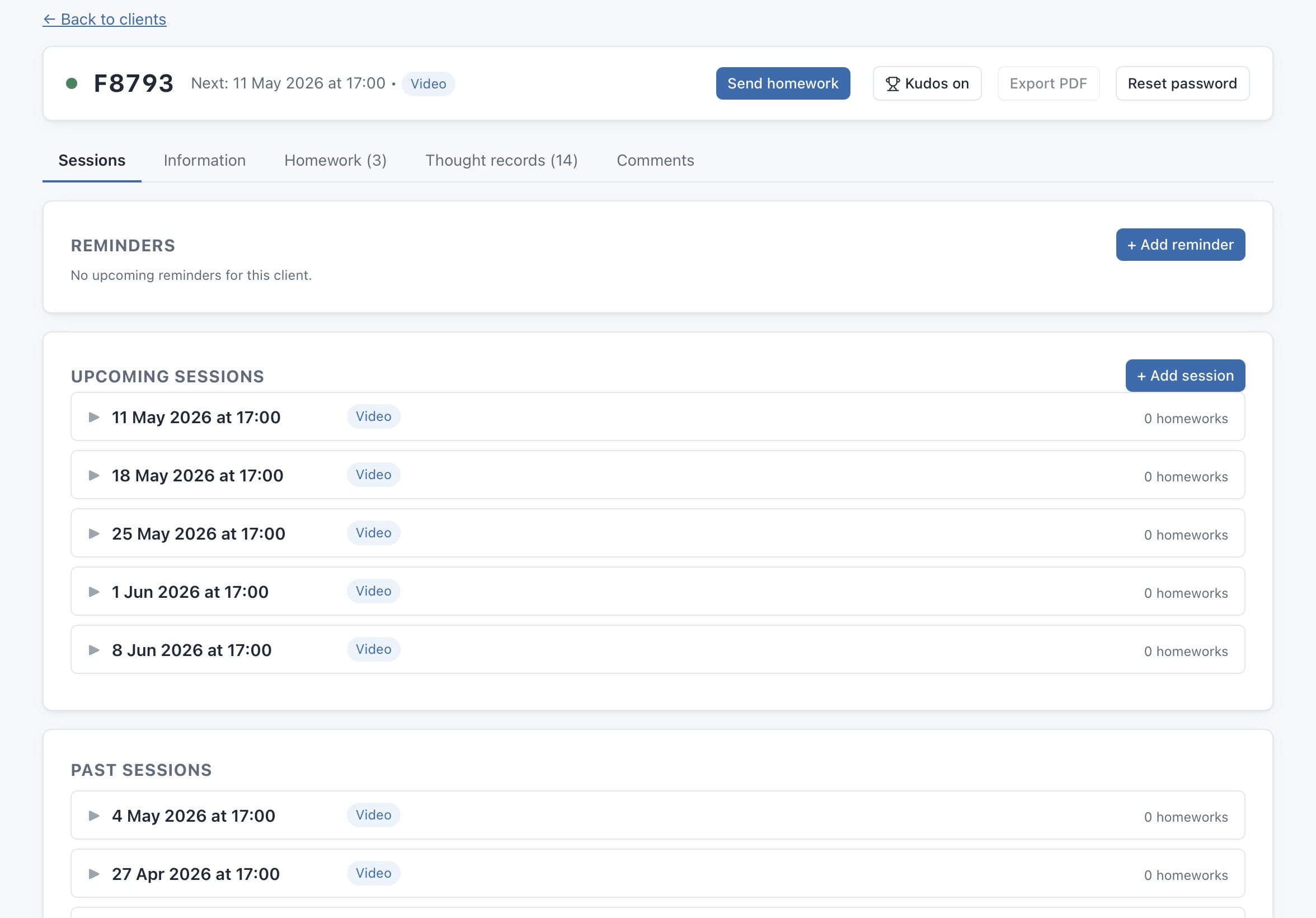
You need to know which clients are active this week.
You need to see what homework is assigned to whom and what is waiting for your review.
You need to follow up between sessions through comments attached to the submission, not through email threads that fragment across an inbox.
You need to stop paying for a separate calendar app, a separate notes tool, a separate survey platform, a separate intake form, and a separate billing system.
my-cbt was built for that workflow from the start.